

WIRE · RUN · UNDERSTAND
Simulate Arduino Circuits in Your Browser
Build and test supported Arduino Uno circuits in Circuitera’s online Arduino simulator. Connect components, run compiled AVR firmware, and inspect modeled signals beside your sketch.
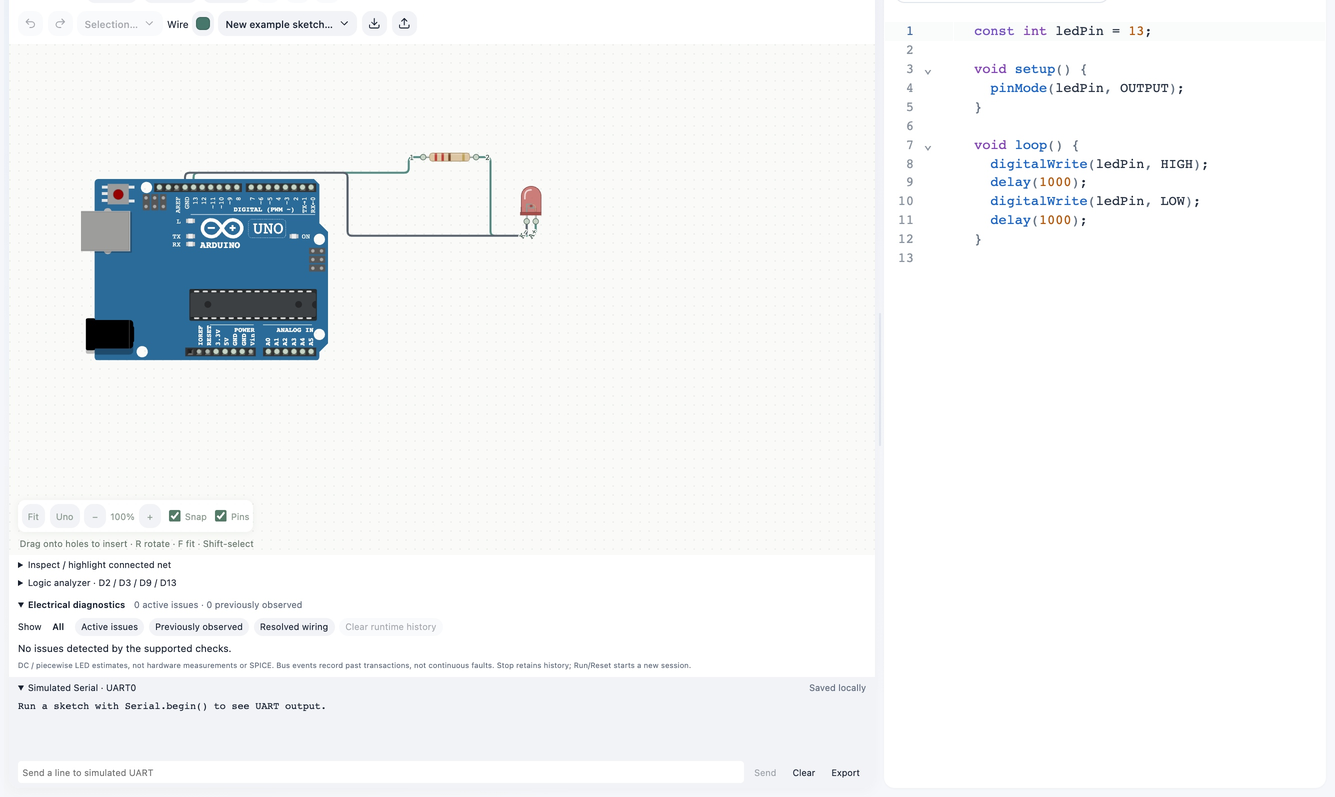
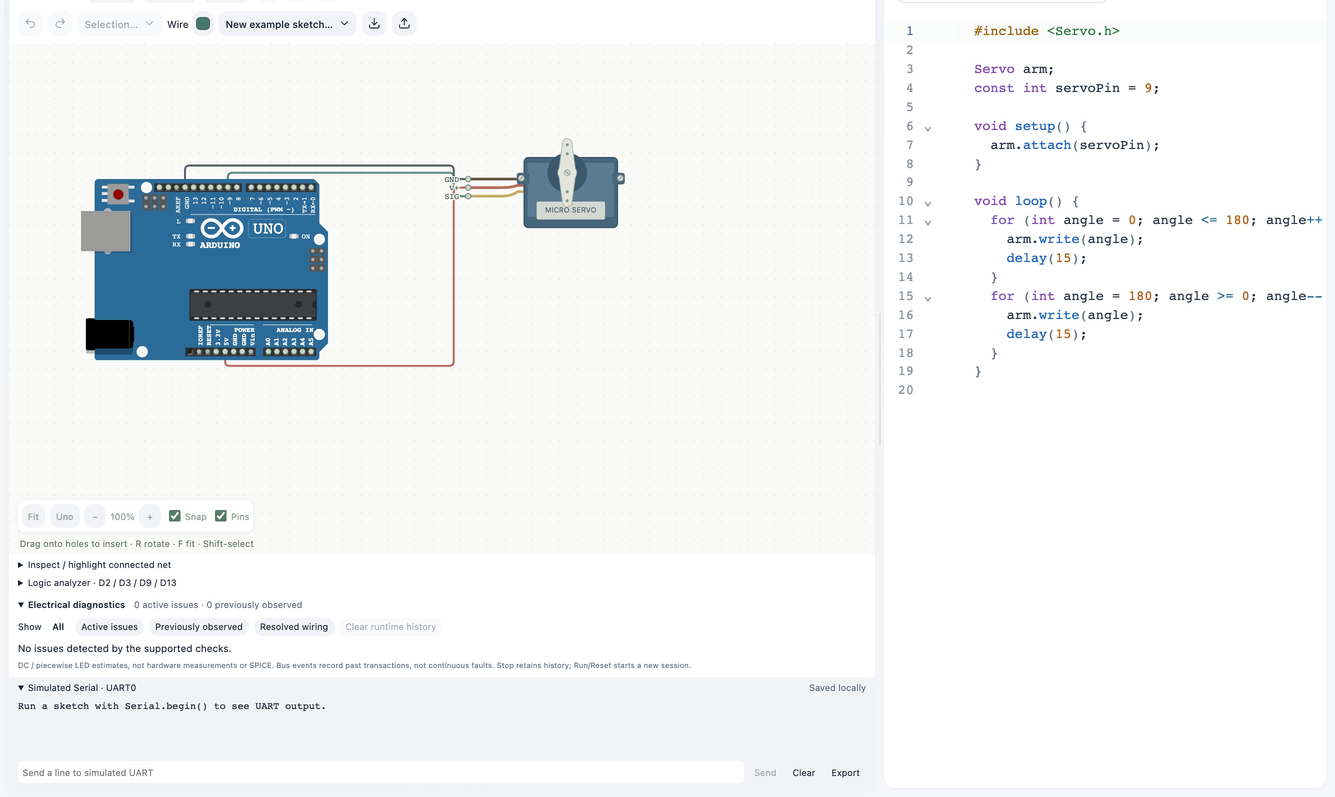
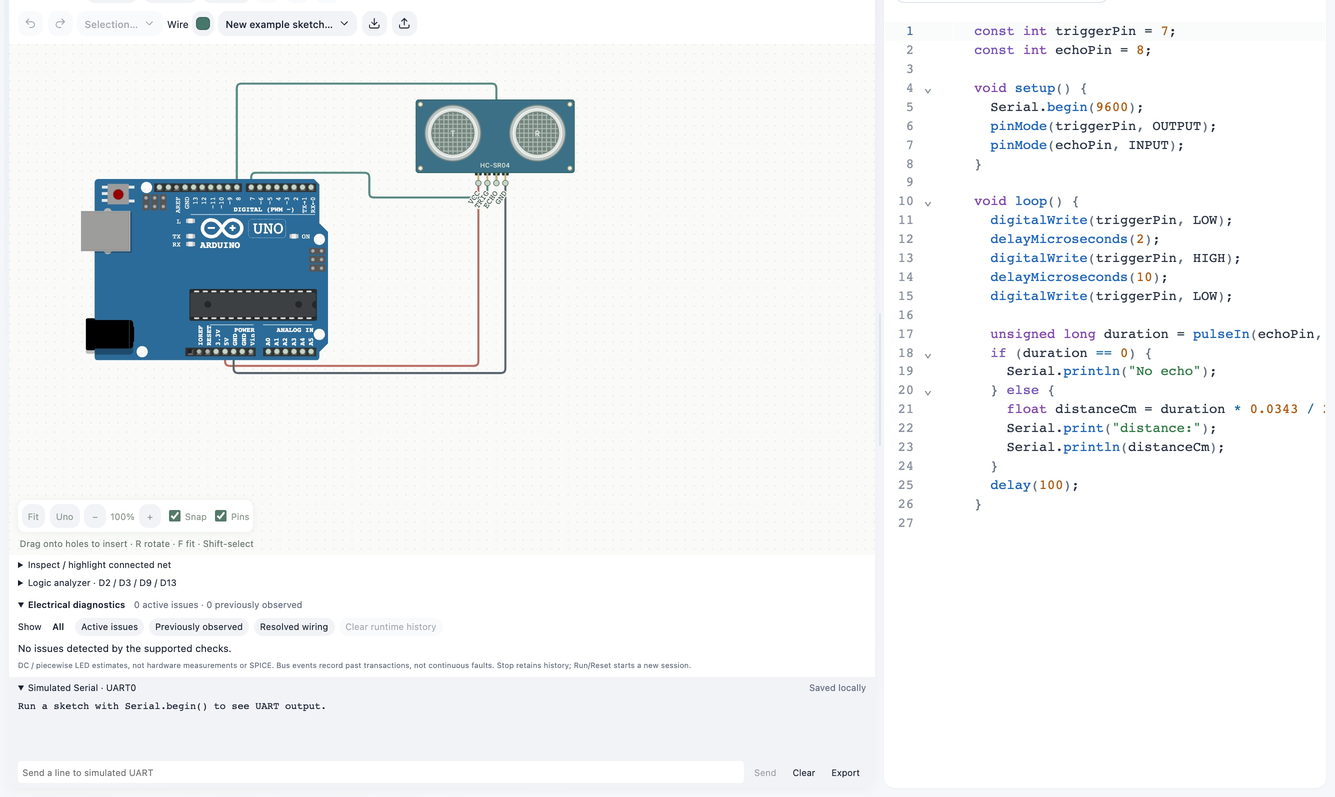
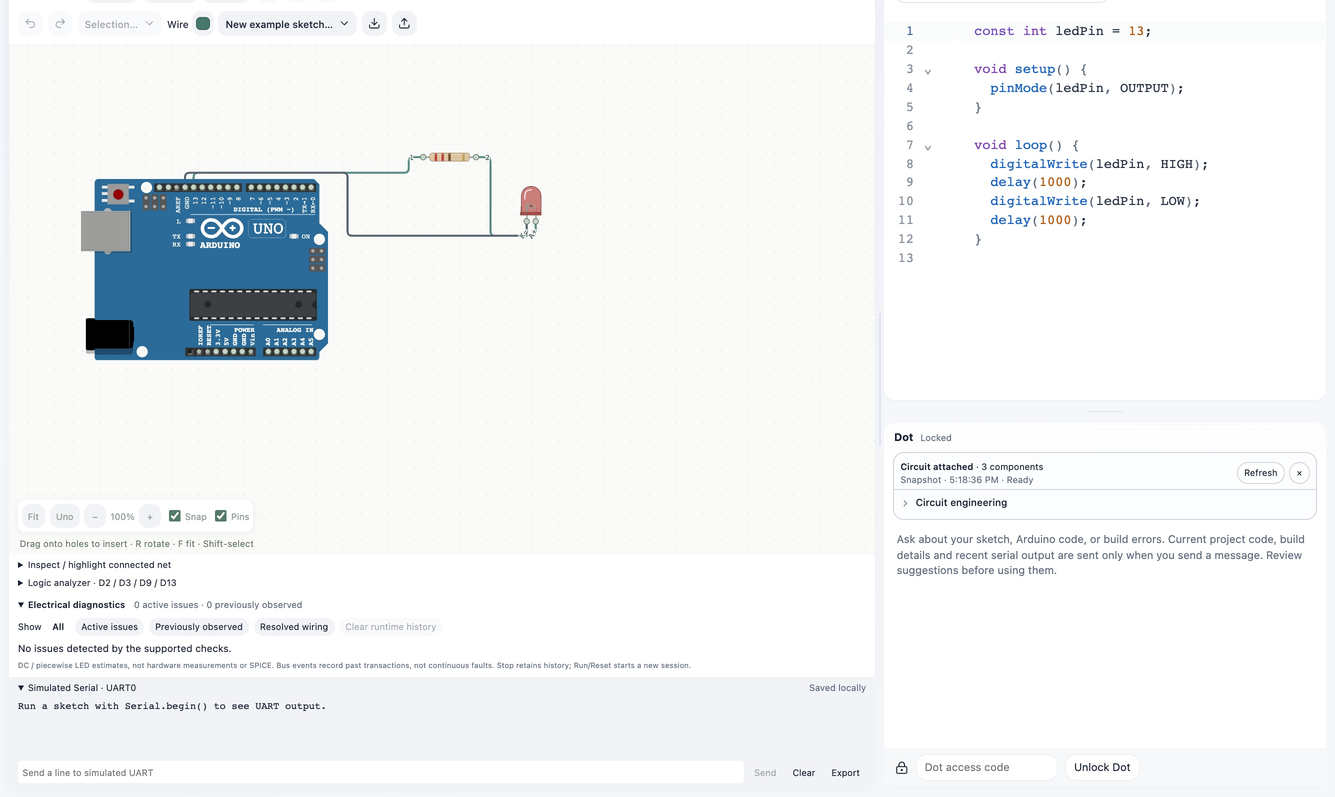
01 · Add parts
A circuit you can inspect
Place parts, connect their real terminals, and use breadboards with electrical connectivity. Pin identities stay attached when components move or rotate. Component properties and diagnostics help explain a circuit.
02 · Wire
Signals drive the result
LEDs respond to GPIO and PWM; RGB channels mix from their electrical inputs. Supported displays and sensors expose modeled behavior. Check each part’s support indicator before depending on it.
03 · Run
Code and circuit together
Compile a compatible sketch, run it in the simulation worker, and inspect output. Start with a prepared tutorial, then change one wire or line at a time. Circuit data stays with your local project.
04 · Inspect
Understand simulation limits
The current simulator targets Uno / ATmega328P. Mega compilation does not imply Mega simulation. Models do not validate every peripheral, physical current limit, analog effect, or library. Confirm ratings and wiring on real hardware.
Make a start.
- Launch a tutorial with its matching sketch and circuit.
- Press Run to compile and start the supported simulation.
- Inspect signals, edit the design, and compare the next run.
Good to know.
What can I simulate online?
Start with an Uno / ATmega328P and supported components such as LEDs, buttons, servos, the HC-SR04, DHT11, and modeled displays. Tutorial launches include matching code and wiring. Check each component’s support indicator; models are idealized.
Can I simulate Mega 2560?
No. Circuitera has a Mega compile/upload target, but ATmega2560 simulation is not implemented.
Does a successful simulation prove a physical circuit is safe?
No. Check power, polarity, current limits, component ratings, and real wiring.