

WRITE · VERIFY · UPLOAD
Arduino IDE and Compiler in Your Browser
Circuitera brings an Arduino code editor, local AVR-GCC compiler, and Web Serial upload into your browser. Write sketches, manage projects, and inspect device output with Serial Monitor and Serial Plotter.
01 · Write
Code with context
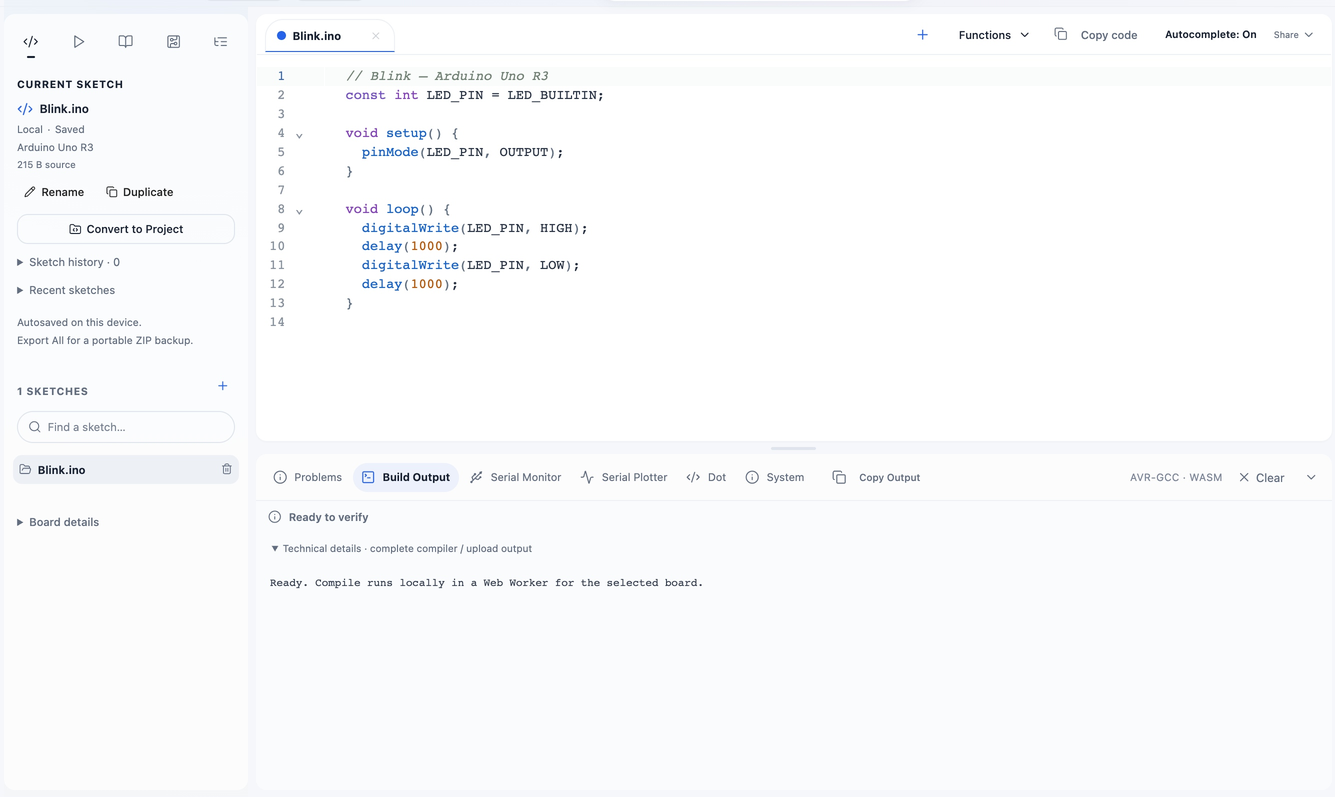
Work across .ino, .cpp, and .h files with syntax highlighting, local autocomplete, and clickable compiler diagnostics. Local sketches save in your browser; export a file or ZIP for a portable backup.
02 · Compile
Local WebAssembly Arduino compiler
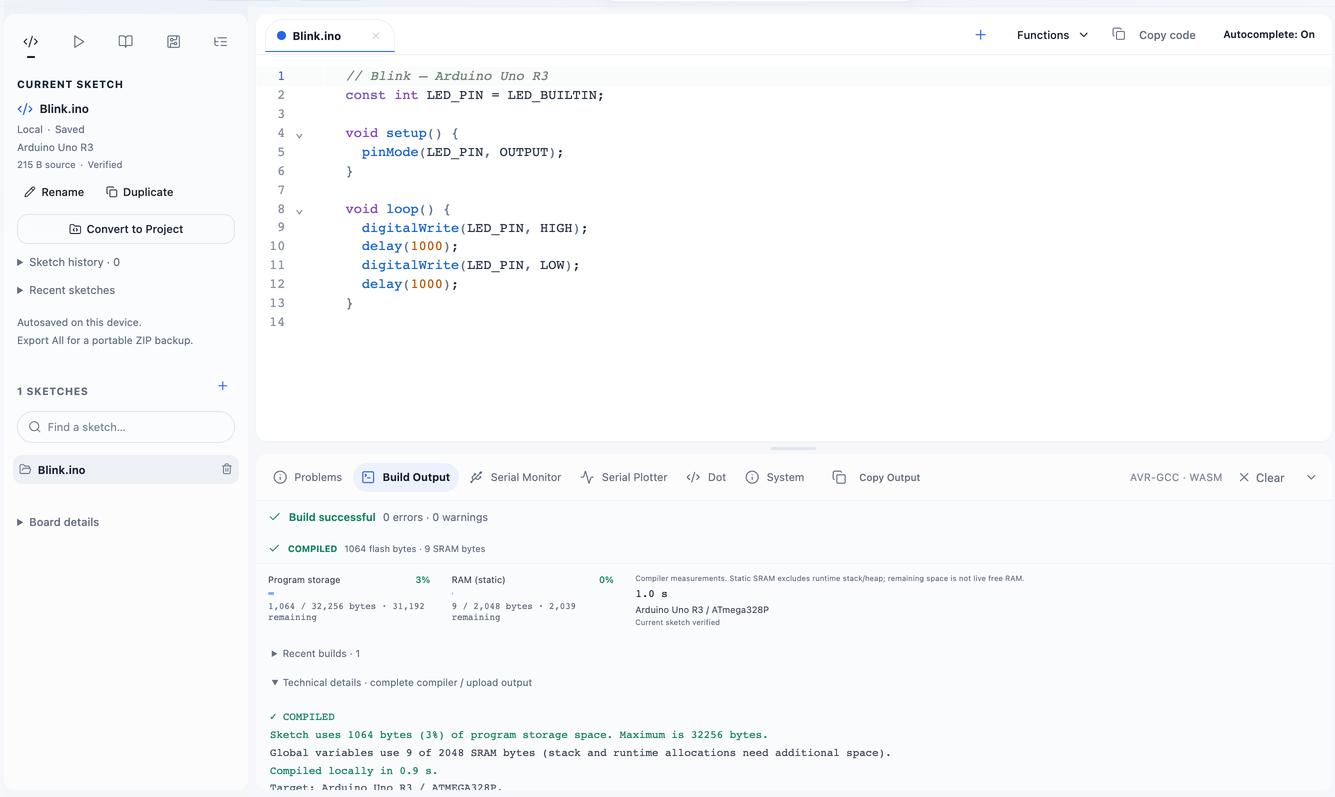
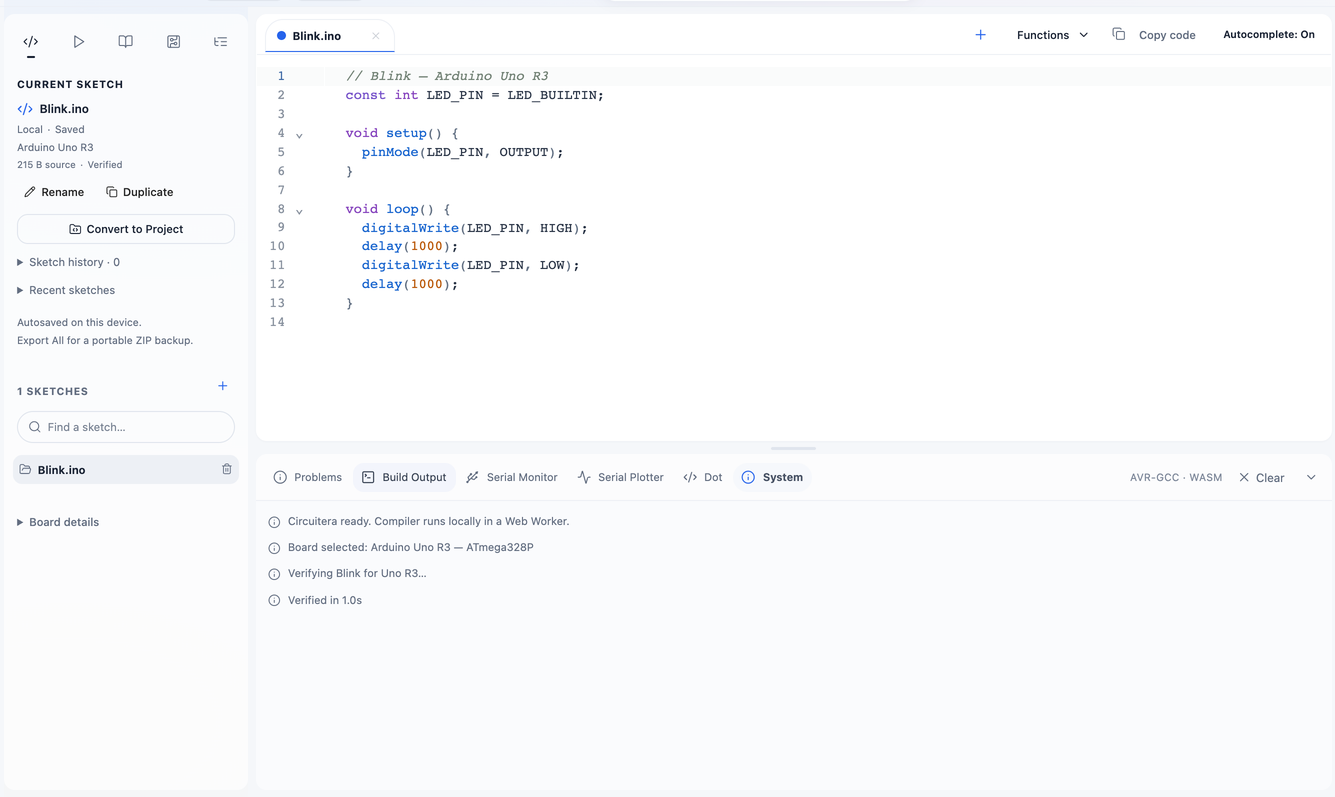
Verify runs AVR-GCC in a Web Worker and links firmware for the selected board. Problems and Build Output expose the actual diagnostics, application flash, and static RAM use. Leave extra SRAM for the stack and heap.
03 · Upload
From firmware to hardware
Select the board and bootloader, Verify, grant Connect board permission, then Upload through Web Serial. A USB data cable and compatible desktop Chrome or Edge browser are required. Compile errors do not mean a board disconnected.
04 · Serial
Your work stays manageable
Tabs, snapshots, projects, and exports help you iterate. Optional signed-in cloud projects complement local work. Browser storage is tied to this device and domain; clearing it can remove local copies.
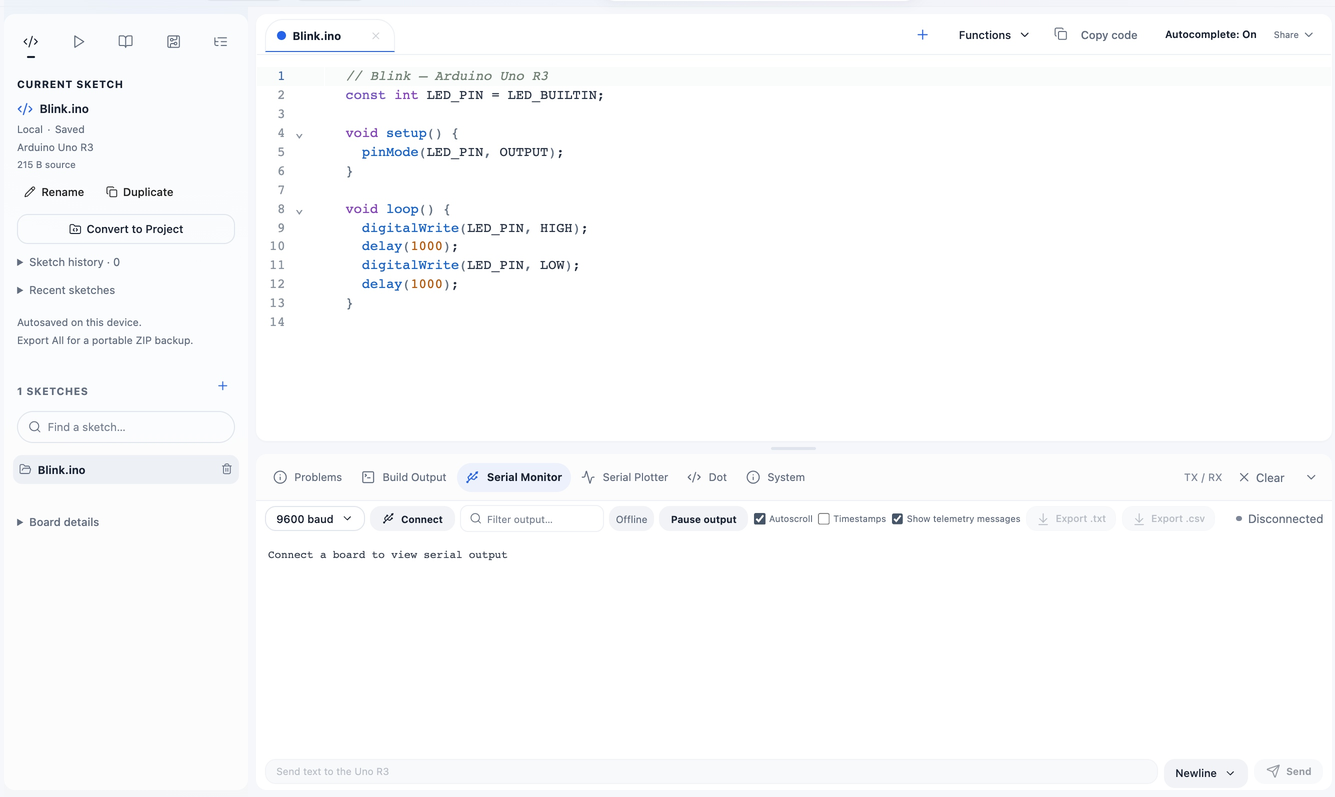
Read device output in Serial Monitor, or switch to Serial Plotter to inspect numeric signals. Match the baud rate to your sketch before monitoring.
Make a start.
- Create or import a sketch and select the exact board.
- Verify and fix compiler errors before connecting hardware.
- Connect, Upload, then inspect the sketch with Serial tools.
Good to know.
Do I need an account or desktop installation?
Local editing needs no account or desktop IDE. You can try Verify as a guest; sign in to continue compiling or use cloud features. Circuitera prepares the compiler when appropriate.
Can I work offline?
Use Prepare offline compiler while online and wait for caching to finish. Keep exported backups; browsers may evict local storage.
Which Arduino boards are supported?
Compile targets include Uno R3, classic Nano V3, Mega 2560, Leonardo, Micro, and Pro Mini. Choose the exact processor, bootloader, and clock. Simulation currently targets Uno; newer-board uploads remain experimental pending hardware validation.
Can I use the Arduino IDE on a Chromebook?
Local editing and compilation work in a browser with JavaScript and WebAssembly. USB upload and serial tools need Web Serial support and permission for the selected port. Check managed-school browser and USB policies before class.