

CODE · RUN · ITERATE
A separate space for general programming.
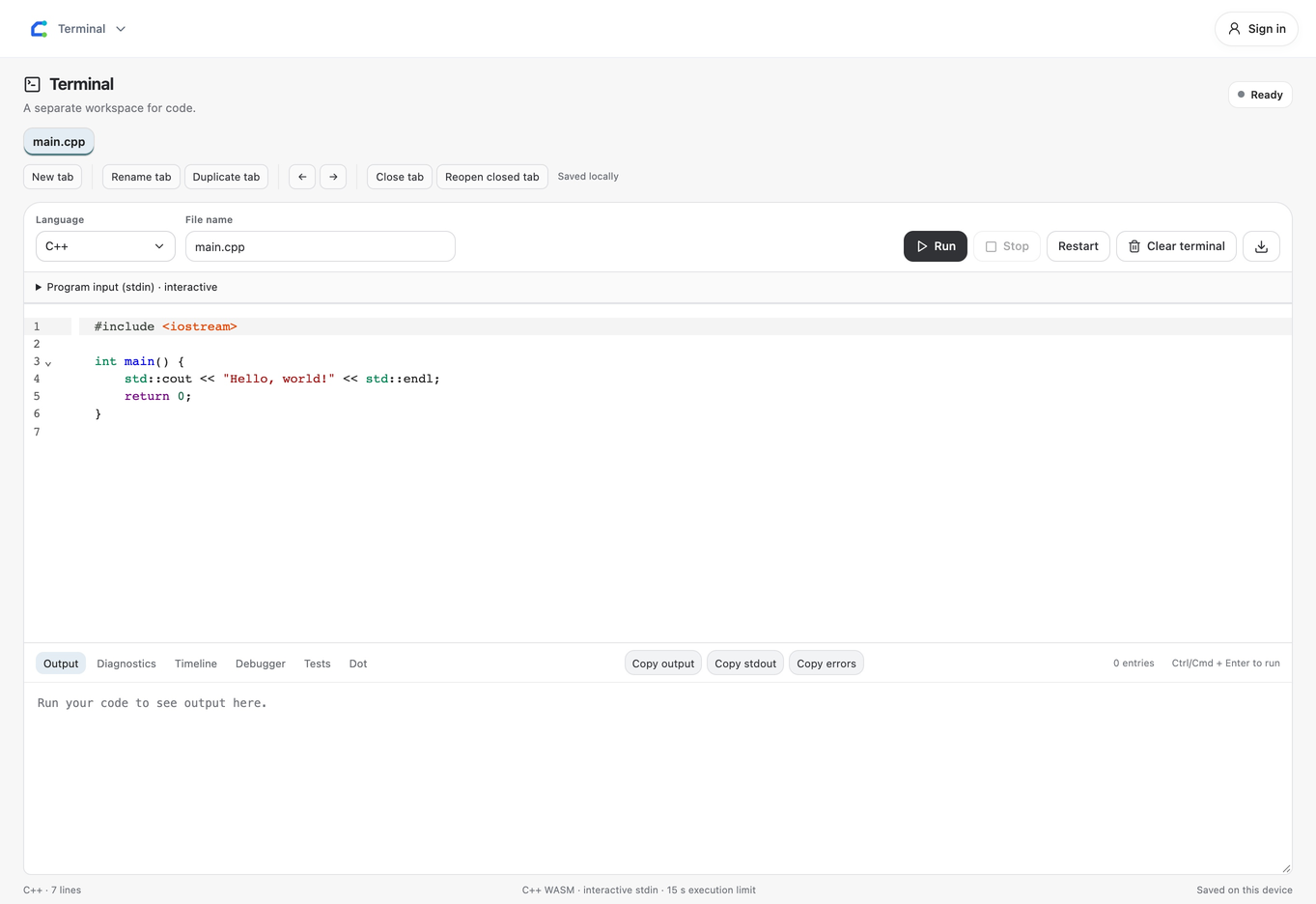
Write general C++ programs in Circuitera Terminal with real WebAssembly execution, standard input, diagnostics, and Stop controls.
Ordinary C++, independent of Arduino
New Terminal workspaces default to C++. Use main(), standard headers, and ordinary input/output. This runtime is separate from the AVR compiler and never uploads desktop-style code to a board.
See the real result
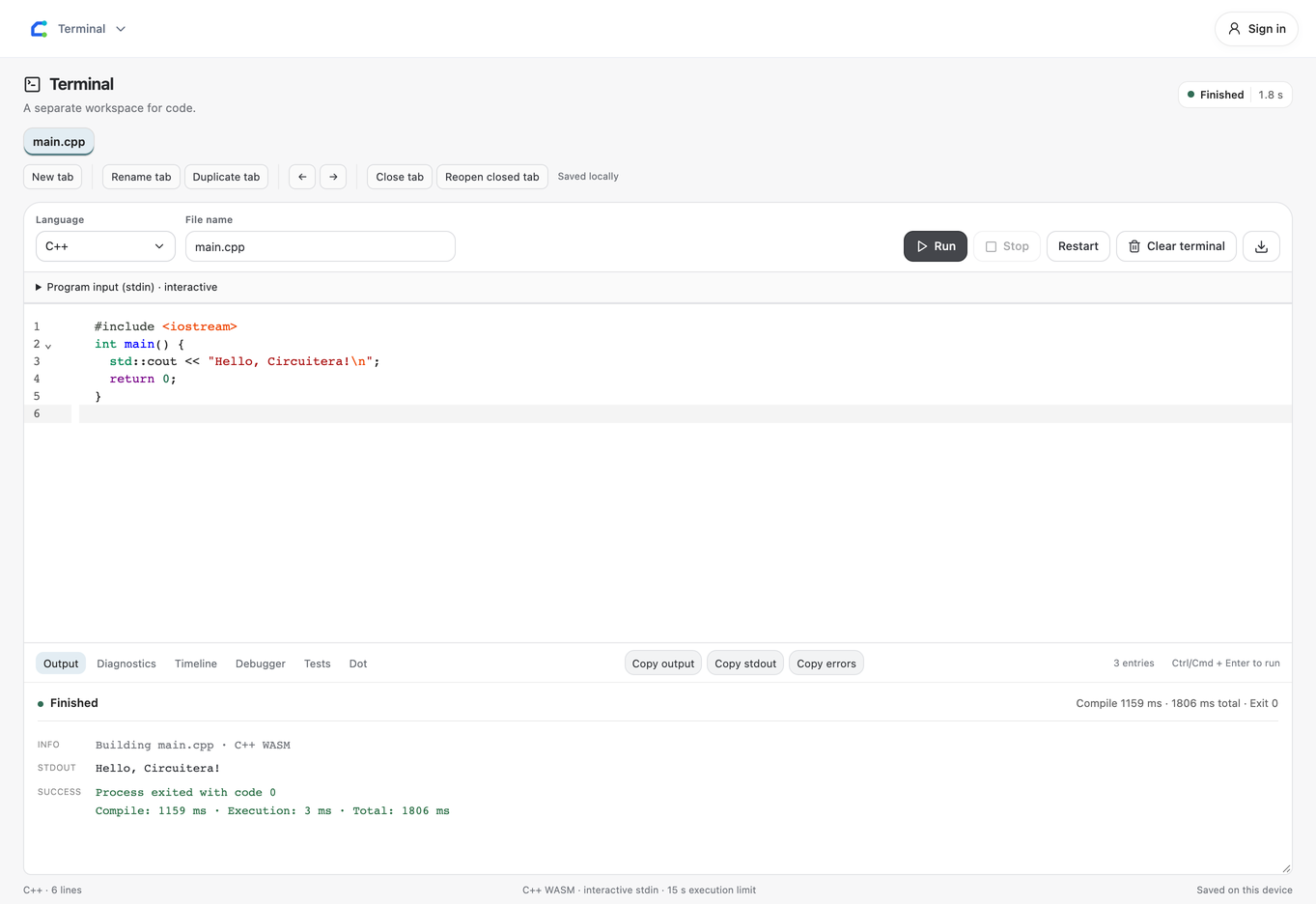
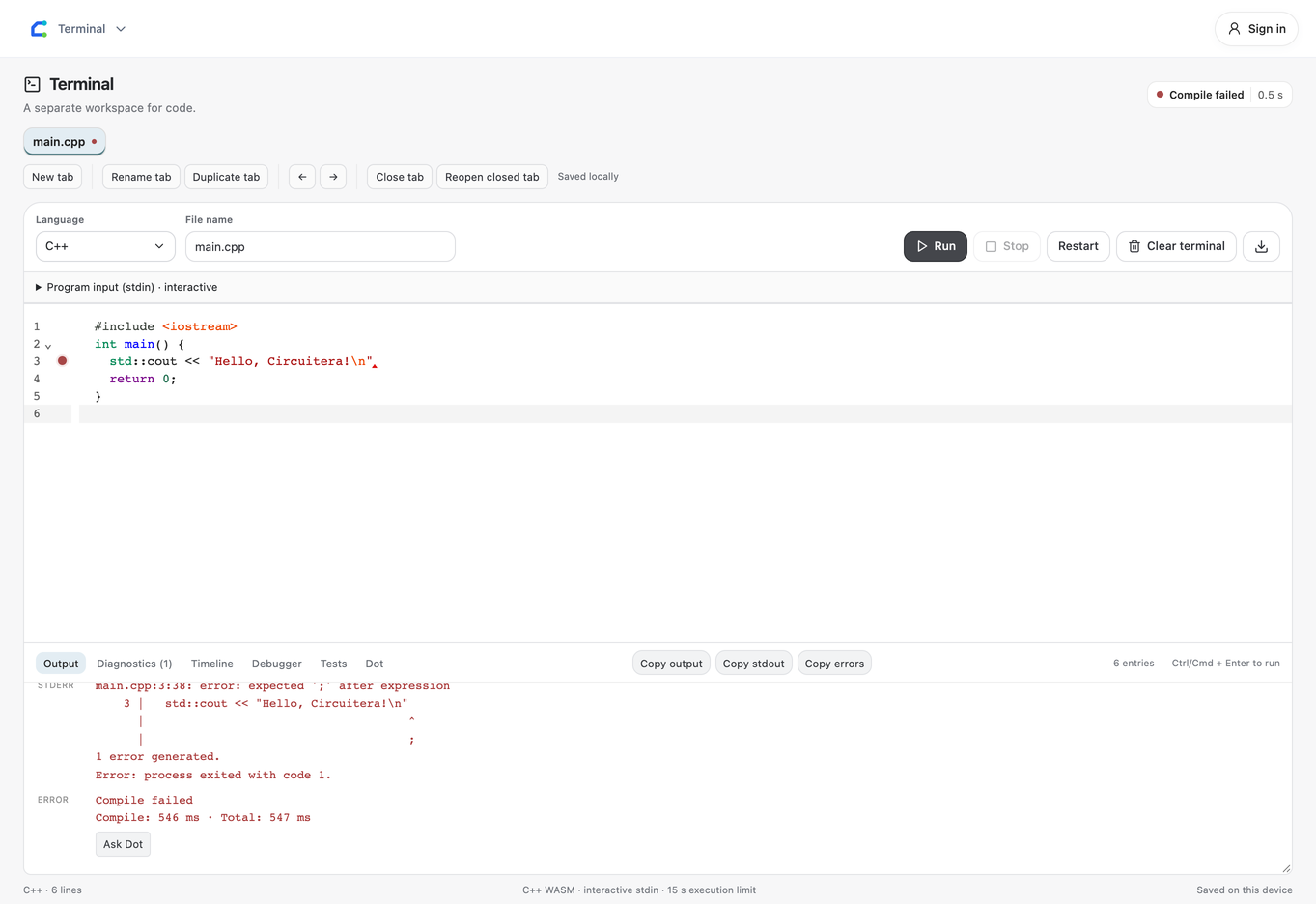
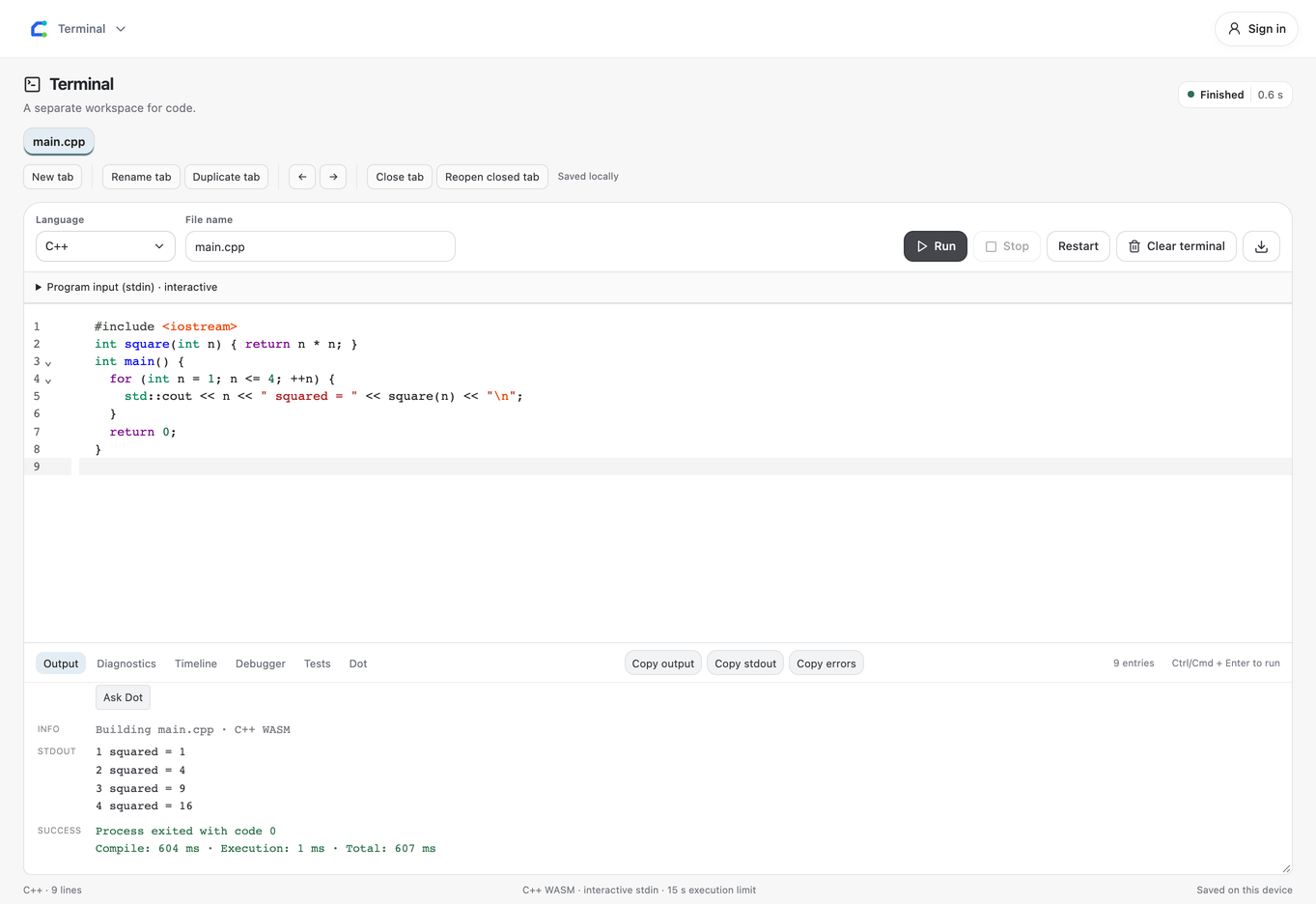
Run compiles and executes in a worker. Read actual compiler diagnostics, stdout, stderr, exit status, and execution time. Send interactive input to std::cin or getline; Stop terminates a long-running process.
Runtime support is explicit
The language selector is extensible. Editing a language does not imply an executable provider: unavailable providers report Runtime not configured. The first run loads its compiler/runtime when needed.
Browser execution has limits
WebAssembly is not a complete desktop OS. Native GUI libraries, arbitrary local executables, unrestricted networking, and host filesystem access are not implied. Documents and history save locally; keep a copy before clearing site data.
Make a start.
- Choose C++ and write a small program with main().
- Press Run; allow the runtime to load on first use.
- Read output, supply input if needed, or stop execution.
Good to know.
Does Terminal use the Arduino compiler?
No. General C++ runs through its own browser runtime. Arduino sketches remain in the IDE.
Can I use every desktop library?
No. Browser runtime and system-call support determine what is available. Use the actual diagnostics to check your program.