

LISTEN · SEND · VISUALIZE
Monitor and Plot Arduino Serial Data in Your Browser
Read Arduino output, send serial input, and plot numeric signals in your browser using Circuitera’s Web Serial tools.
Listen
Follow the conversation
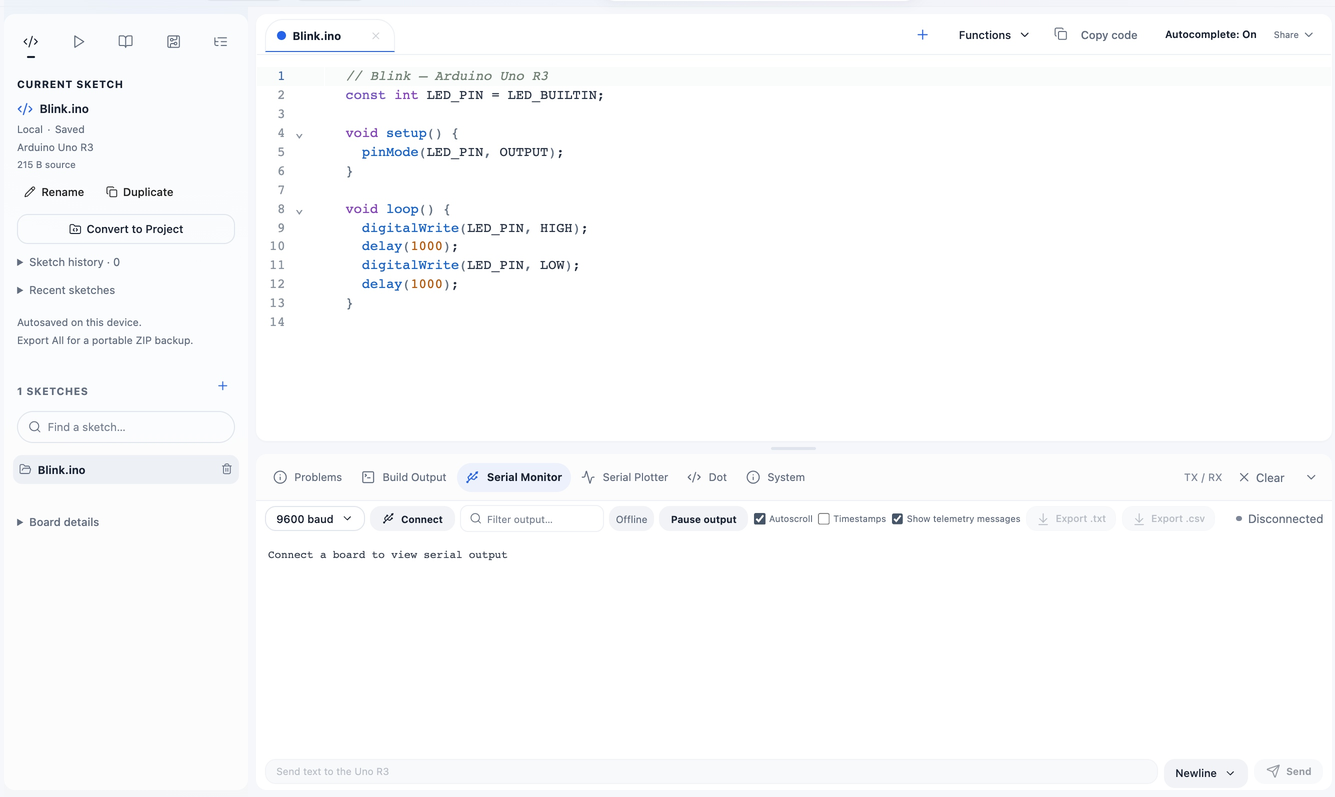
Connect your board through a USB data cable and select its port. Match the monitor baud rate to Serial.begin(). Read text, send input, and select the line ending your sketch expects.
Visualize
Turn numbers into a trace
Serial Plotter accepts one number per line or labeled values such as temperature:23.7 humidity:51. Pause the view, inspect trends, and export retained plot data as CSV.
Diagnose
Diagnose the connection separately
An unavailable port, missing permission, or cable problem differs from a compile error. Close other programs using the port. Some boards reset when a serial connection opens; give the sketch time to start.
Connect
USB access stays explicit
The browser asks you to grant a particular port. Web Serial support and managed-device policies determine hardware availability. Extra Mega UARTs do not appear as independent USB serial ports.
Make a start.
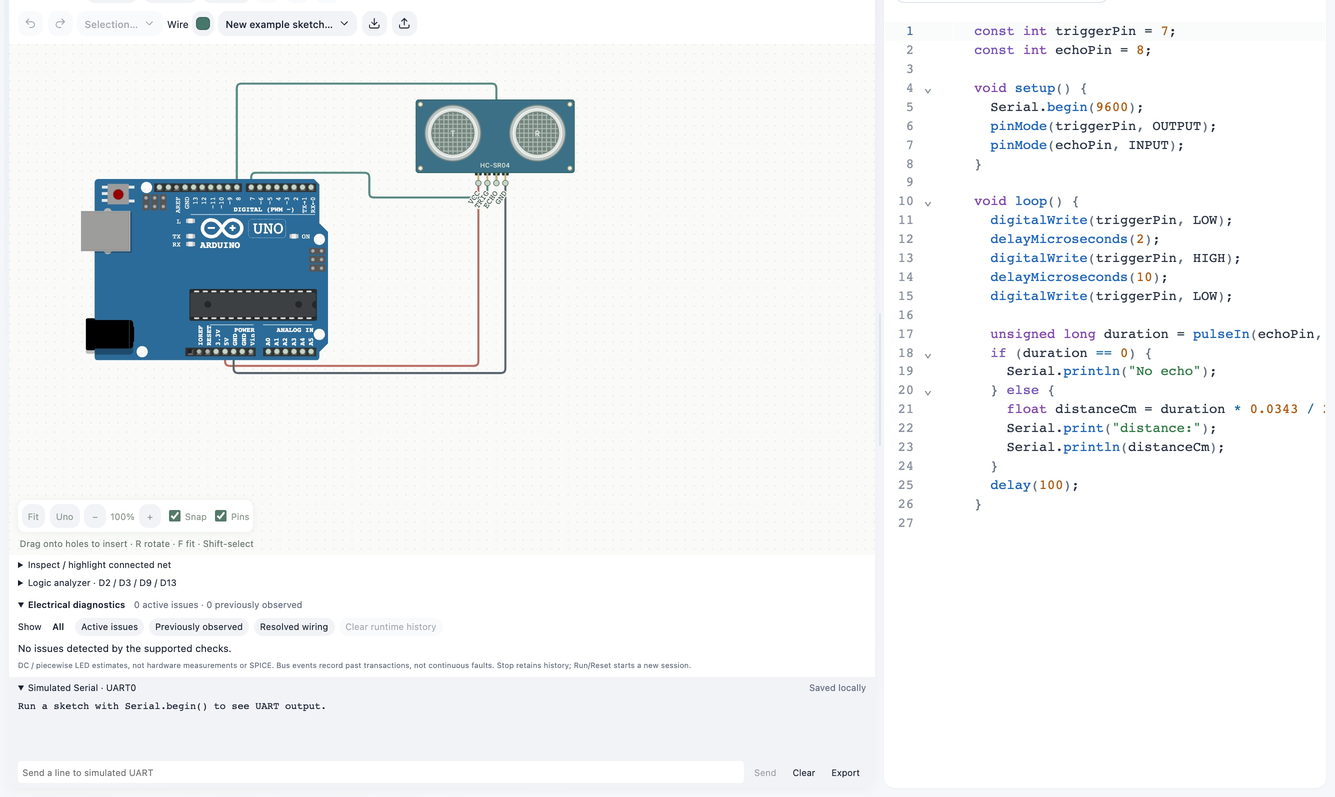
- Upload a sketch that calls Serial.begin() and prints values.
- Connect the correct USB port and match its baud rate.
- Read output, send input, or switch to the plotter.
Good to know.
Why is text garbled?
Check the baud rate and whether the sketch sends text or binary data.
Why is there no output?
Confirm the uploaded sketch writes serial data, the correct port is open, and no other program owns it.