
16×2 character LCD
Wire an HD44780-compatible 16×2 character LCD using four data lines and learn how to check contrast, backlight and module voltage.
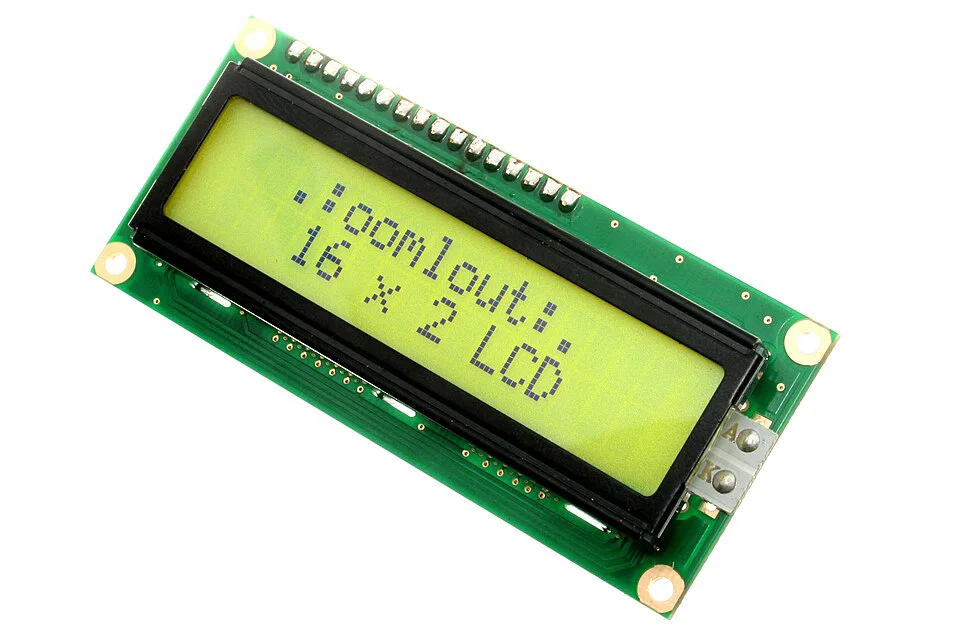

Overview
This family displays text in character cells, commonly 16 across by two rows. A controller inside the module stores characters and drives the LCD; the Arduino sends text and commands instead of refreshing pixels continuously.
Pinout and wiring
In the common parallel configuration, RS chooses command or data and E strobes each transfer. A write-only 4-bit circuit grounds R/W and uses D4–D7, leaving D0–D3 unused. Check the manufacturer’s connector diagram for VSS, VDD, contrast and backlight polarity.
Troubleshooting
If the backlight works without readable characters, set the contrast and check the pin order in the LiquidCrystal constructor. If the module has an I²C backpack, follow that board’s address and expander pin mapping instead of the bare LCD wiring.
Specifications
| Parameter | Value or condition | Source |
|---|---|---|
| Character capacity | 16 columns by 2 rows for the photographed format | Arduino |
| Parallel interface in the Arduino example | RS, E and four data lines, with R/W grounded | Arduino |
Compatibility and practice
A parallel HD44780-compatible module can use Arduino LiquidCrystal. I²C backpacks have a separate interface.