
Rotary potentiometer
Identify the wiper and end terminals of a rotary potentiometer and wire a voltage divider to an Arduino analog input.
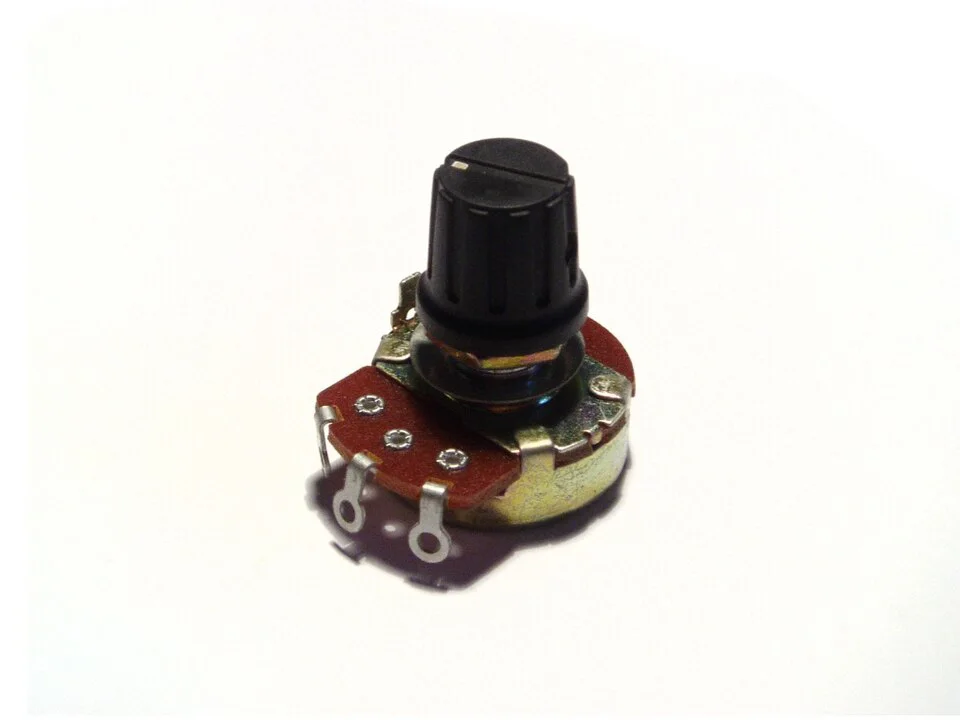

How it works
A movable wiper taps a resistive track between two fixed end terminals. Applying a voltage across the ends produces an adjustable fraction of that voltage at the wiper.
Typical wiring
For Arduino’s Analog Read Serial example, connect the ends to the board supply and ground and the wiper to A0. Swapping the two end connections reverses the direction of increase. Check an unmarked part with a multimeter instead of assuming the physical middle pin is always the wiper.
Choosing a taper
The ADC reports voltage at the wiper. A linear taper is useful for position controls, while a non-linear taper changes how quickly voltage moves with rotation. The apparent reading also depends on loading, so keep the ADC/input impedance in mind.
Specifications
| Parameter | Value or condition | Source |
|---|---|---|
| Terminals | Two fixed ends and one wiper | Arduino |
| Example resistance | 10 kΩ in Arduino’s reference circuit | Arduino |
Compatibility and practice
Works with 3.3 V or 5 V ADC inputs when the divider is powered from the corresponding safe ADC range.
Related components
Sources and datasheets
- Analog Read Serial example and wiring · Arduino