
SSD1306 monochrome OLED display
Connect an SSD1306 OLED, select the right screen dimensions and address, and understand how an Arduino library writes to display memory.
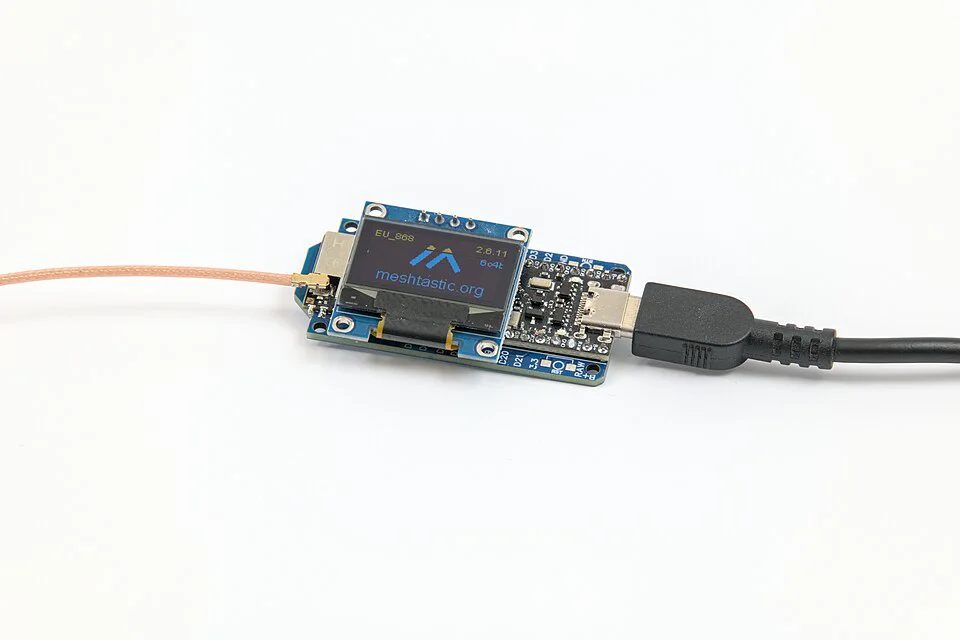

Controller and panel
SSD1306 names a controller rather than a particular breakout. It holds pixel memory and drives the OLED panel. The pictured panel is installed on a Meshtastic device, which also contains the MCU and radio circuitry.
Wiring and libraries
For an I²C model, identify power, ground, SDA and SCL from the board markings and instructions. Adafruit SSD1306 and Adafruit GFX can draw text and shapes on supported Arduino configurations. Select the actual panel dimensions and any reset pin, and refresh the display after drawing to the buffer.
Blank display checks
Confirm that the board is in the intended interface mode. Check for a response at the configured address and verify initialization, including the required power mode. Many small modules look alike but use incompatible controllers.
Specifications
| Parameter | Value or condition | Source |
|---|---|---|
| Controller capability | Up to 128 columns by 64 rows | Solomon Systech |
| I²C address choices | 0x3C or 0x3D in seven-bit notation, depending on address configuration | Solomon Systech |
Compatibility and practice
Check the module’s voltage, interface and size before choosing a graphics library configuration.
Related components
Sources and datasheets
- SSD1306 Controller Data Sheet · Solomon Systech
- Monochrome OLED Breakout Guide · Adafruit